10+
Office & Docs
Local Document Previews
Read DOCX, PDF, XLSX, PPTX, HTML, ODT, ODP, ODS, RTF, and TXT files directly inside your workspace with local timestamp caching.
 Markdown Explorer
Turn Markdown folders, agent memory, technical docs, and project notes into a private workspace you can search, navigate, and actually enjoy reading.
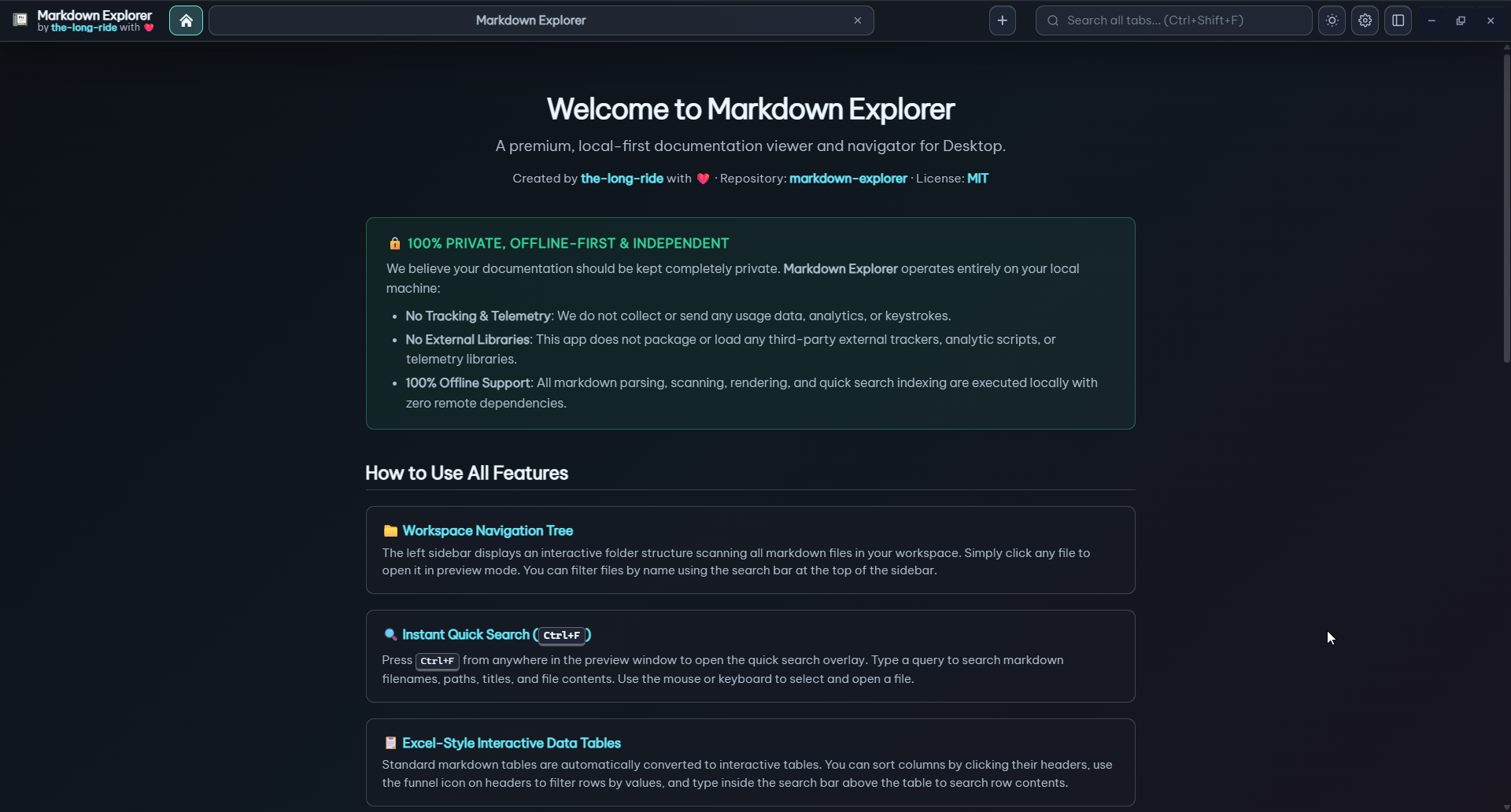 Open a folder. Search everything. Jump to the exact answer.
Markdown Explorer transforms local Markdown and document folders into an interactive, searchable documentation app.
Read DOCX, PDF, XLSX, PPTX, HTML, ODT, ODP, ODS, RTF, and TXT files directly inside your workspace with local timestamp caching.
Search current file, active workspace, or across all open desktop tabs. Excerpts show context and jump directly to exact clicked matches.
Navigate the file tree without touching the mouse using Alt+S, arrow keys, Enter, and Esc. Highlight and locate current file with Ctrl+Q.
Keep multiple project folders open simultaneously in desktop tabs. Switch between Tab view and distraction-free Focus view instantly.
Sort, filter, and multi-select values across dense datasets. Convert suitable numeric table columns into interactive Bar, Line, or Pie charts.
Render flowcharts, sequence diagrams, ER models, git graphs, and mindmaps offline. Display LaTeX formulas inline with document text.
Click any image or Mermaid diagram to open a backdrop-blur modal. Focus on complex architecture details with mousewheel zoom and drag panning.
Run isolated HTML previews for interactive code examples. Embed local video files or YouTube and streaming video links inside Markdown docs.
Customize colors, density, line spacing, layout style, and background images. Export, import, and share reading presets across team members.
High-contrast syntax highlighting across 25+ programming languages with line numbers, language badges, and quick code block copy buttons.
100% local parsing, indexing, and rendering with zero telemetry and no file uploads. Live auto-refresh detects filesystem updates instantly.
Choose lightweight Tauri builds for minimal memory footprint and fast launch, or Electron builds for maximum battle-tested OS stability.
Built for agent-era Markdown
Explore the powerful tools built into Markdown Explorer to make local documentation interactive and comfortable.
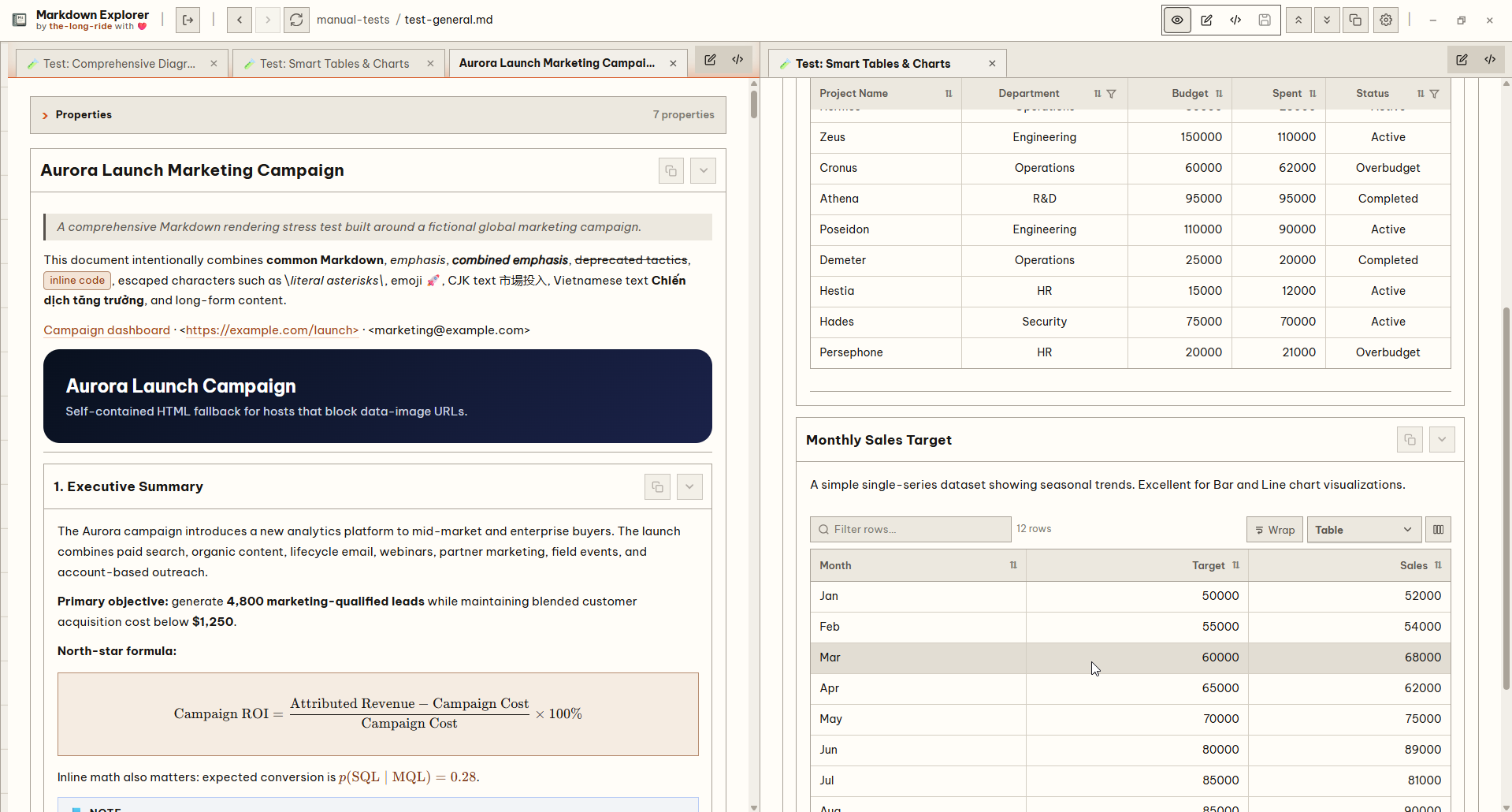
Split view
Open two documents side by side with independent active modes, scroll synchronization, and real-time rendered preview updates.
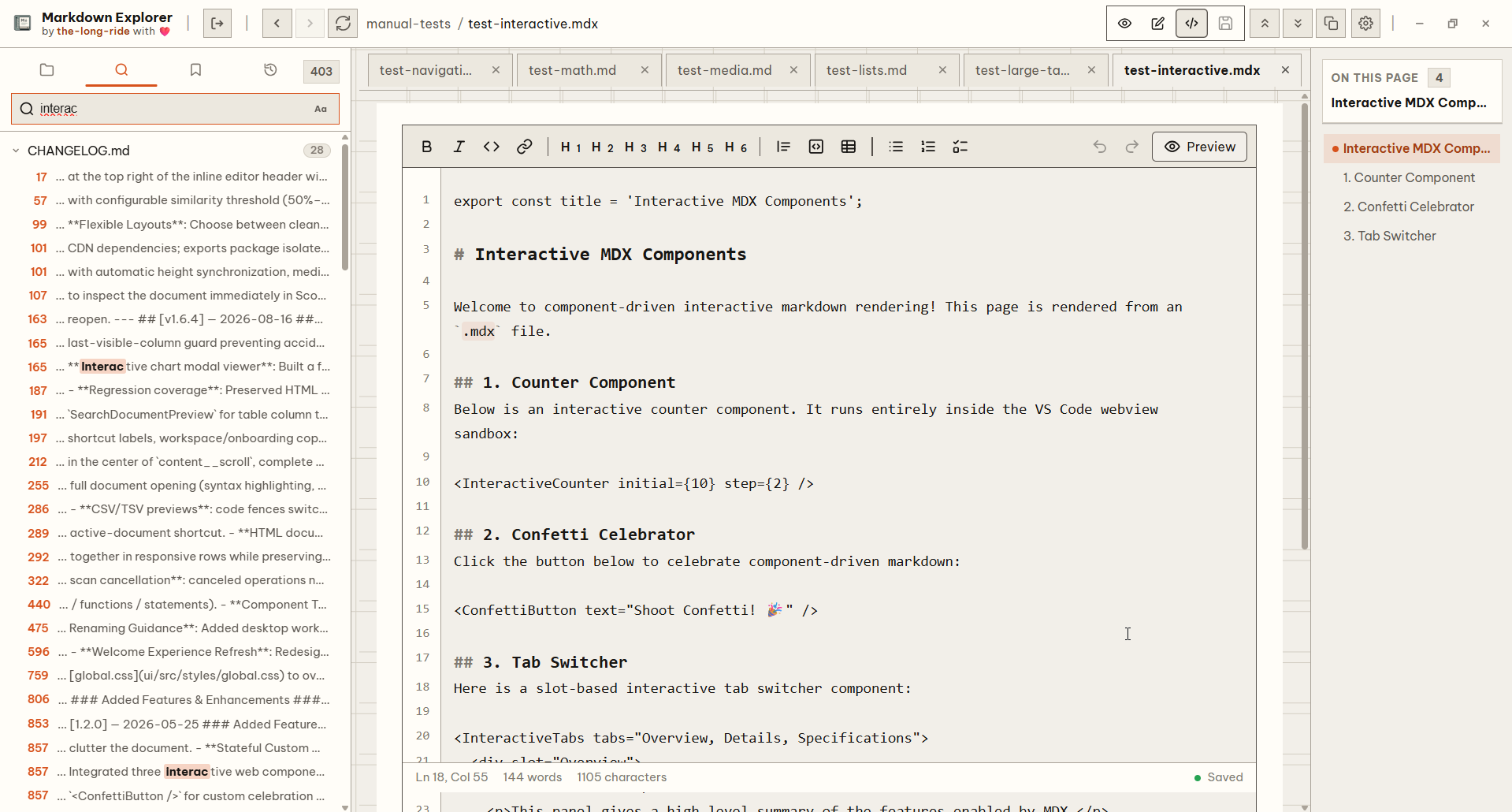
Local Markdown editing
Switch writable Markdown documents between Rendered, Inline Edit, and Plain modes with revision-protected saves and conflict handling.
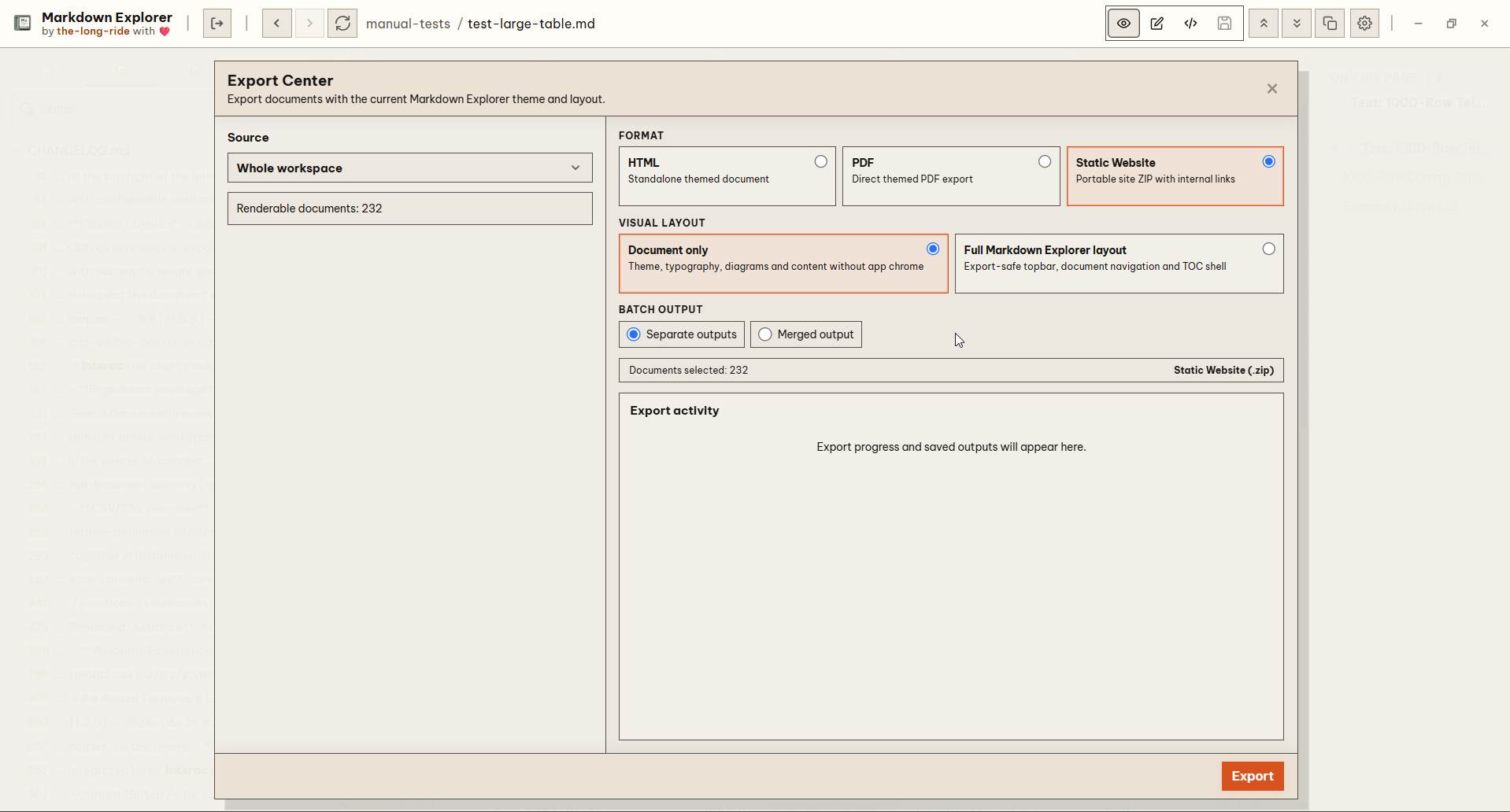
Export Center
Package single documents or entire workspaces into standalone offline HTML, static site ZIP archives, or searchable hybrid PDFs.
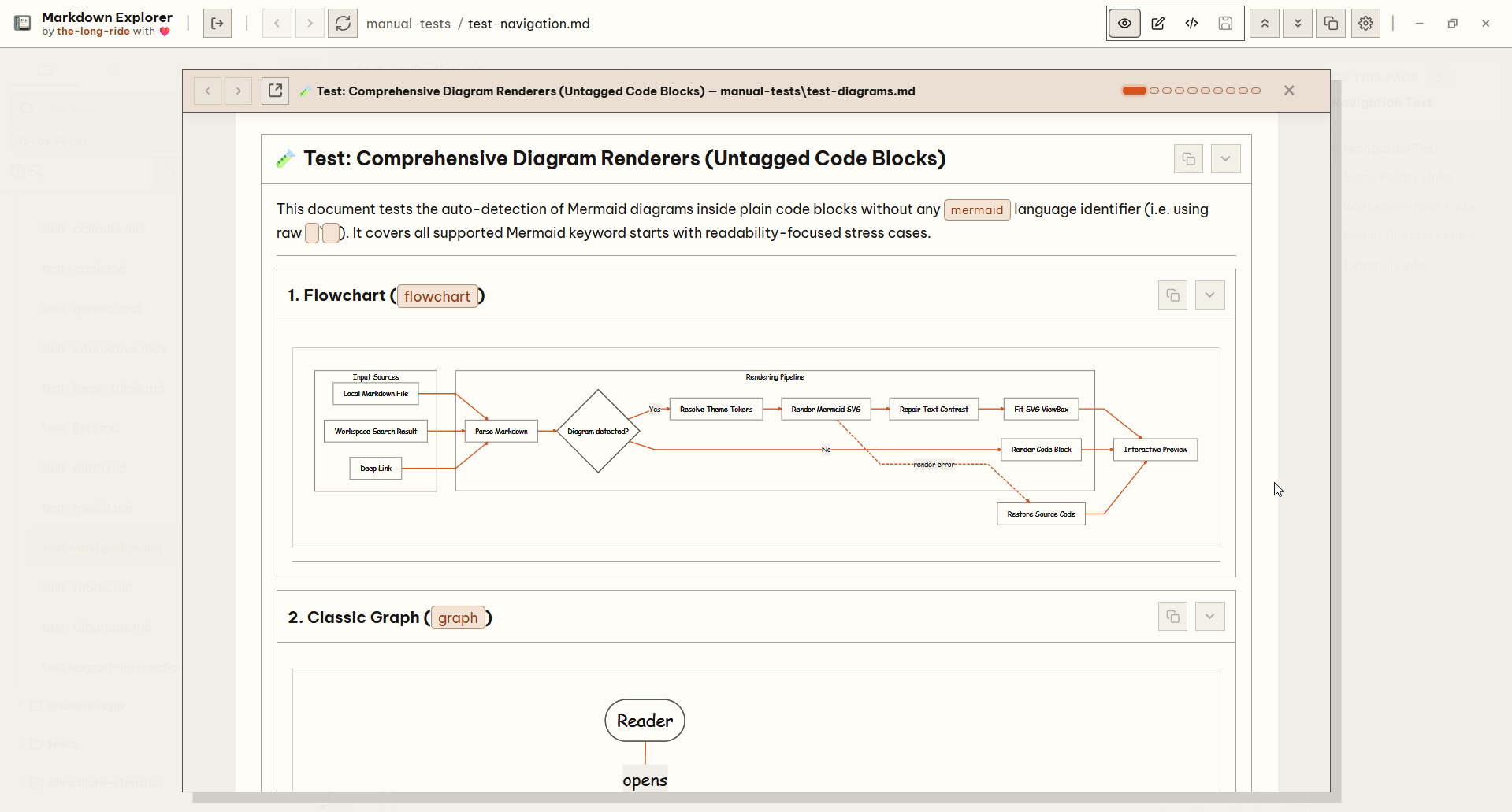
Scope View
Inspect linked documents in an isolated preview modal with a 10-step history stack and breadcrumb trail without losing your editor position.
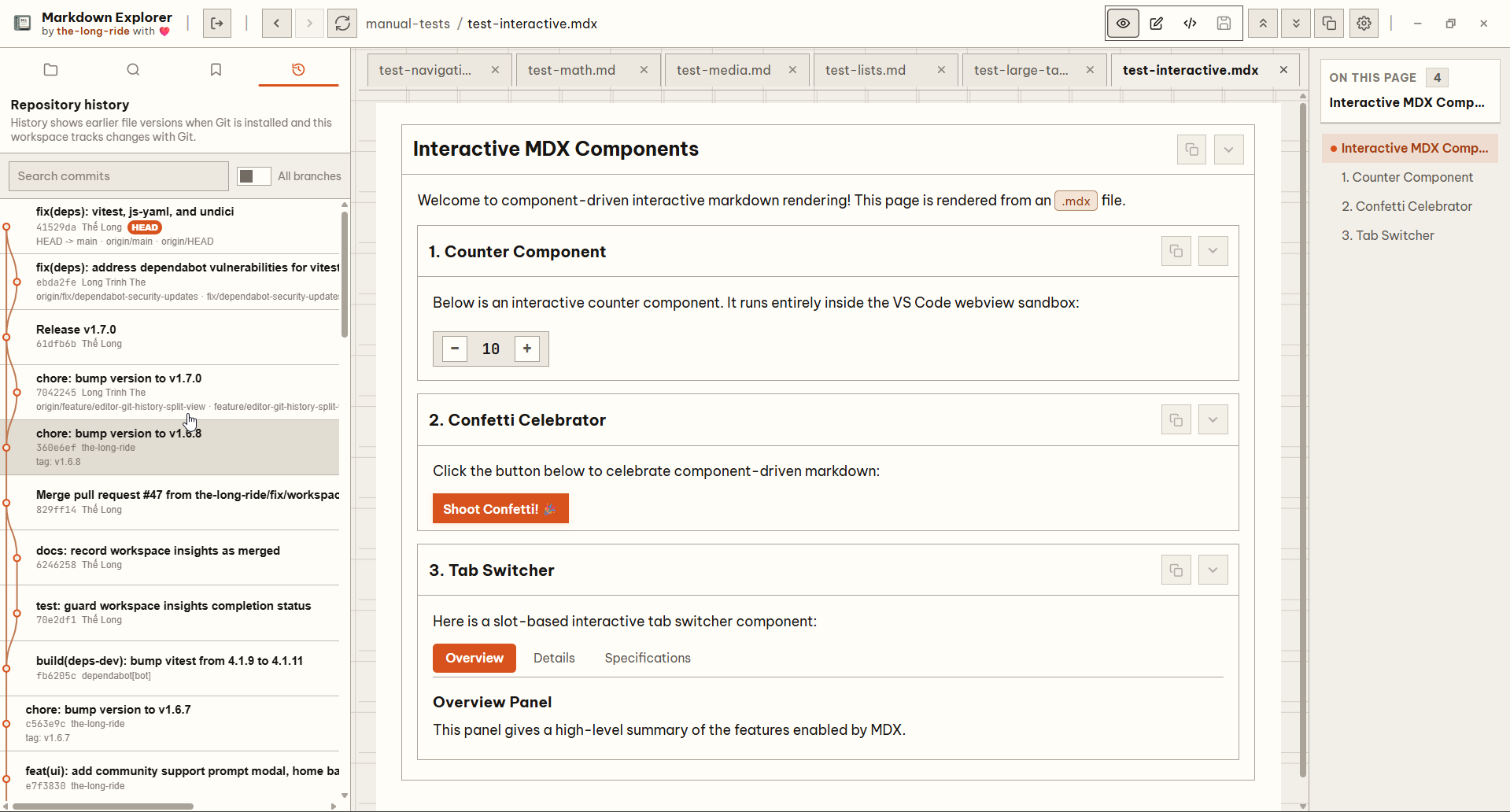
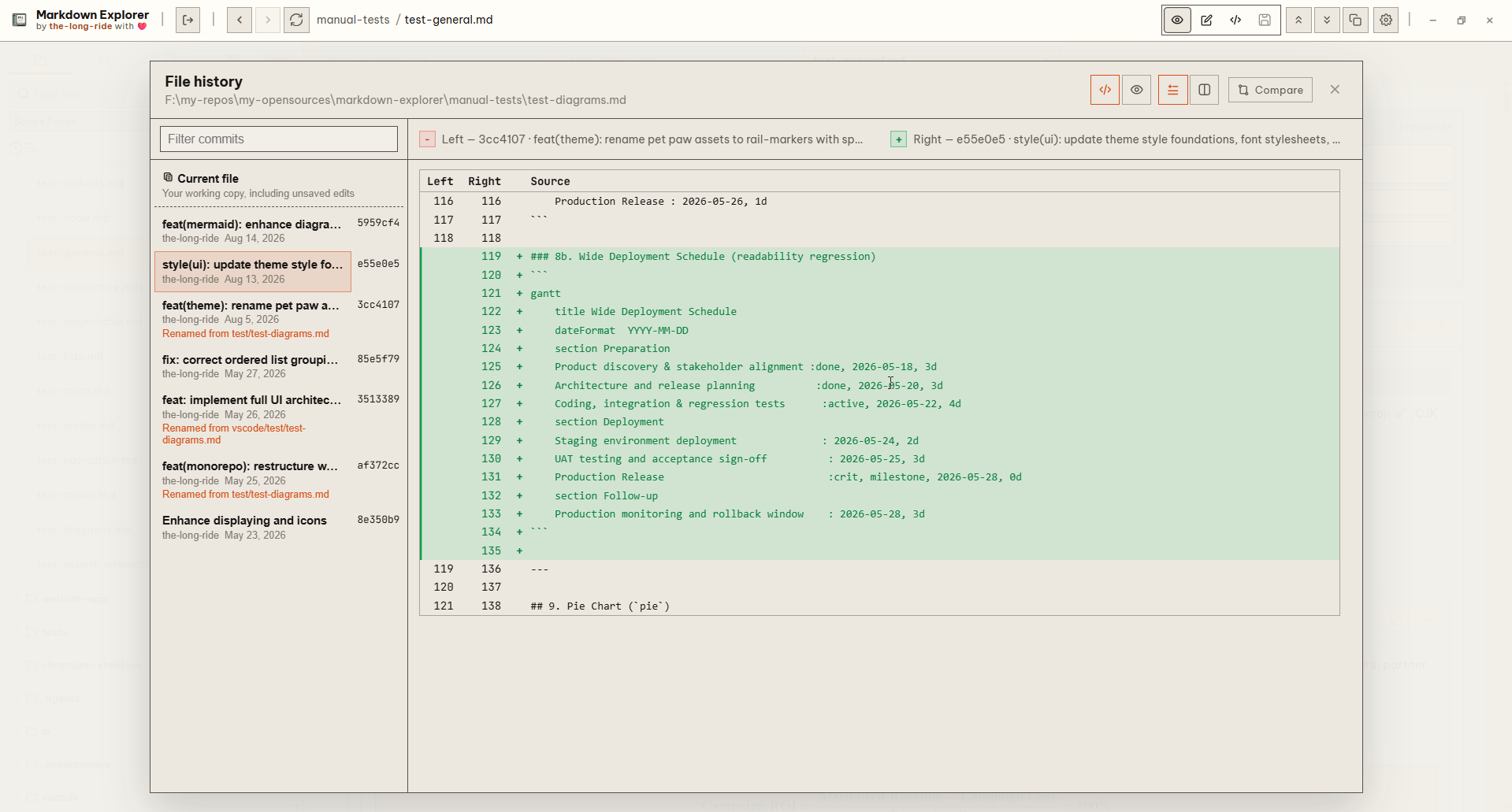
Git history
Browse repository commit graphs, inspect historical snapshots read-only, and compare revisions using fast Source or Rendered Diff views without uploading content.
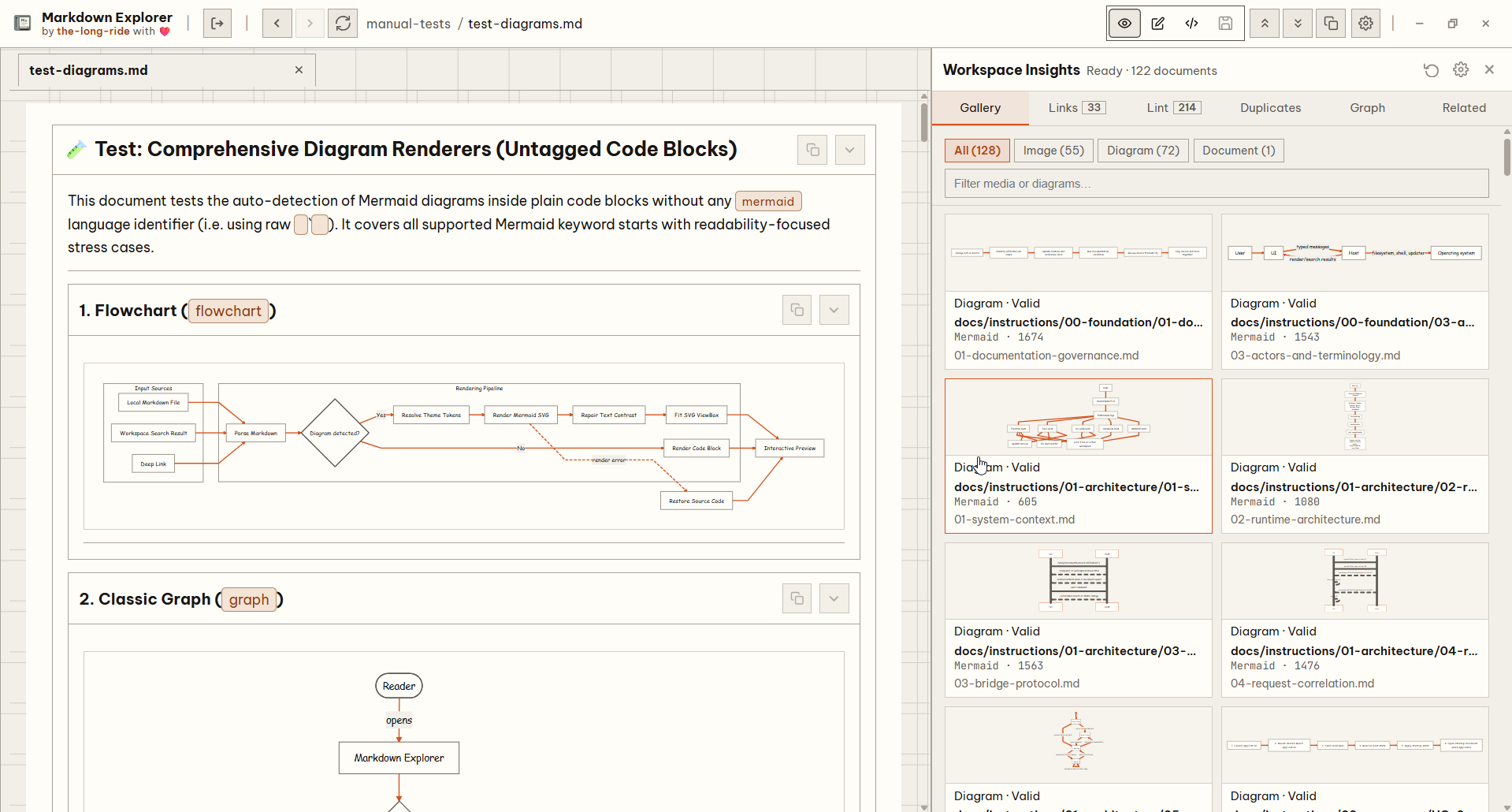
Workspace Insights
Open the offline-first audit panel to analyze workspace health, explore document relationship graphs, fix broken links, and navigate bidirectional Wiki Links.
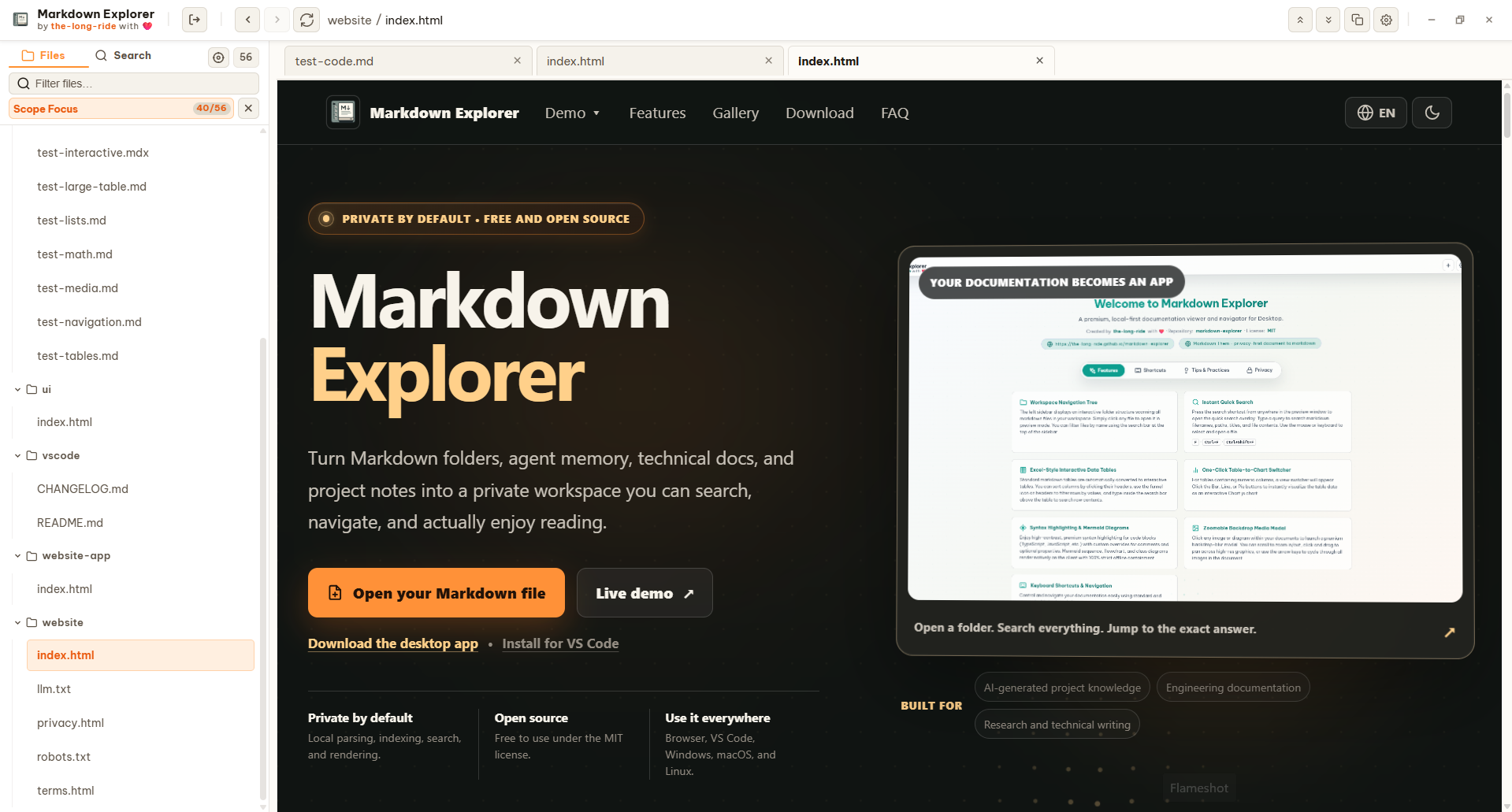
HTML documents
Switch each HTML tab between an isolated local-first preview and converted Markdown, open the original file in the system browser, and keep code-block preview defaults independent.
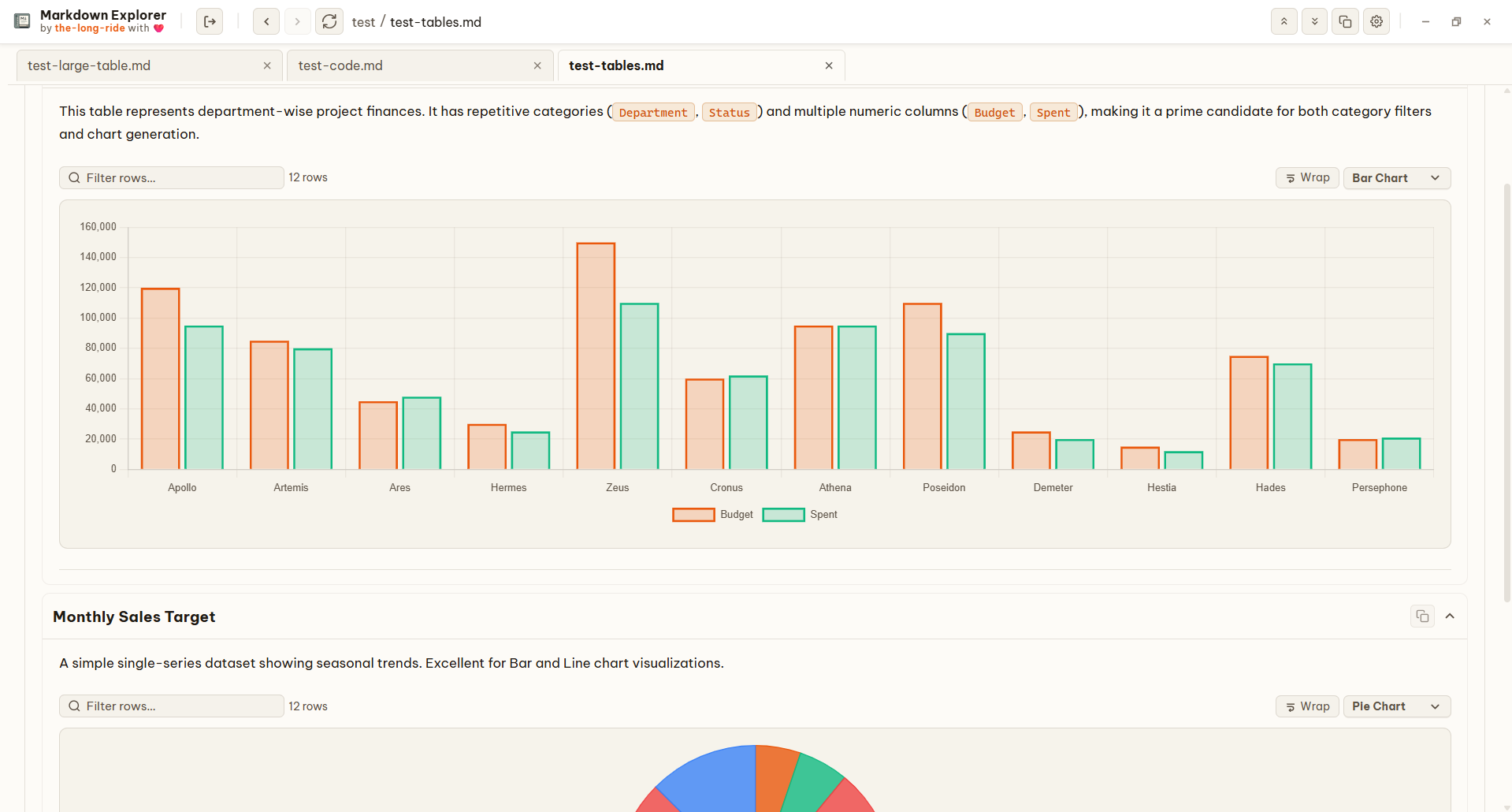
CSV & TSV
CSV and TSV code fences can switch from highlighted source to sortable, filterable tables with wrapping, generated column labels, delimiter detection, and chart controls.
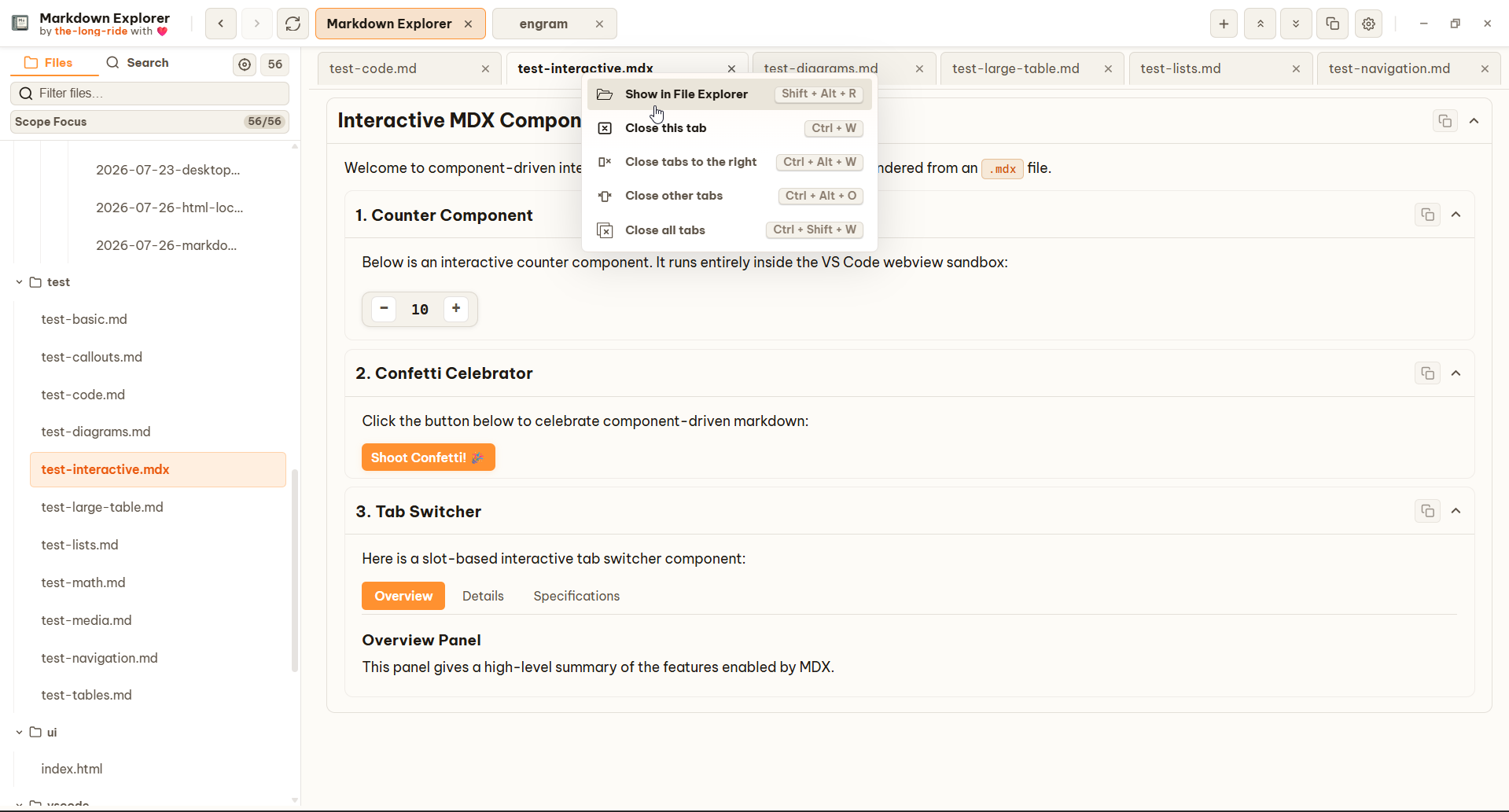
Workspace control
File, folder, workspace-tab, and document-tab menus expose native location actions. Long scans can be cancelled without leaving stale loading state, and missing workspaces can be replaced safely.
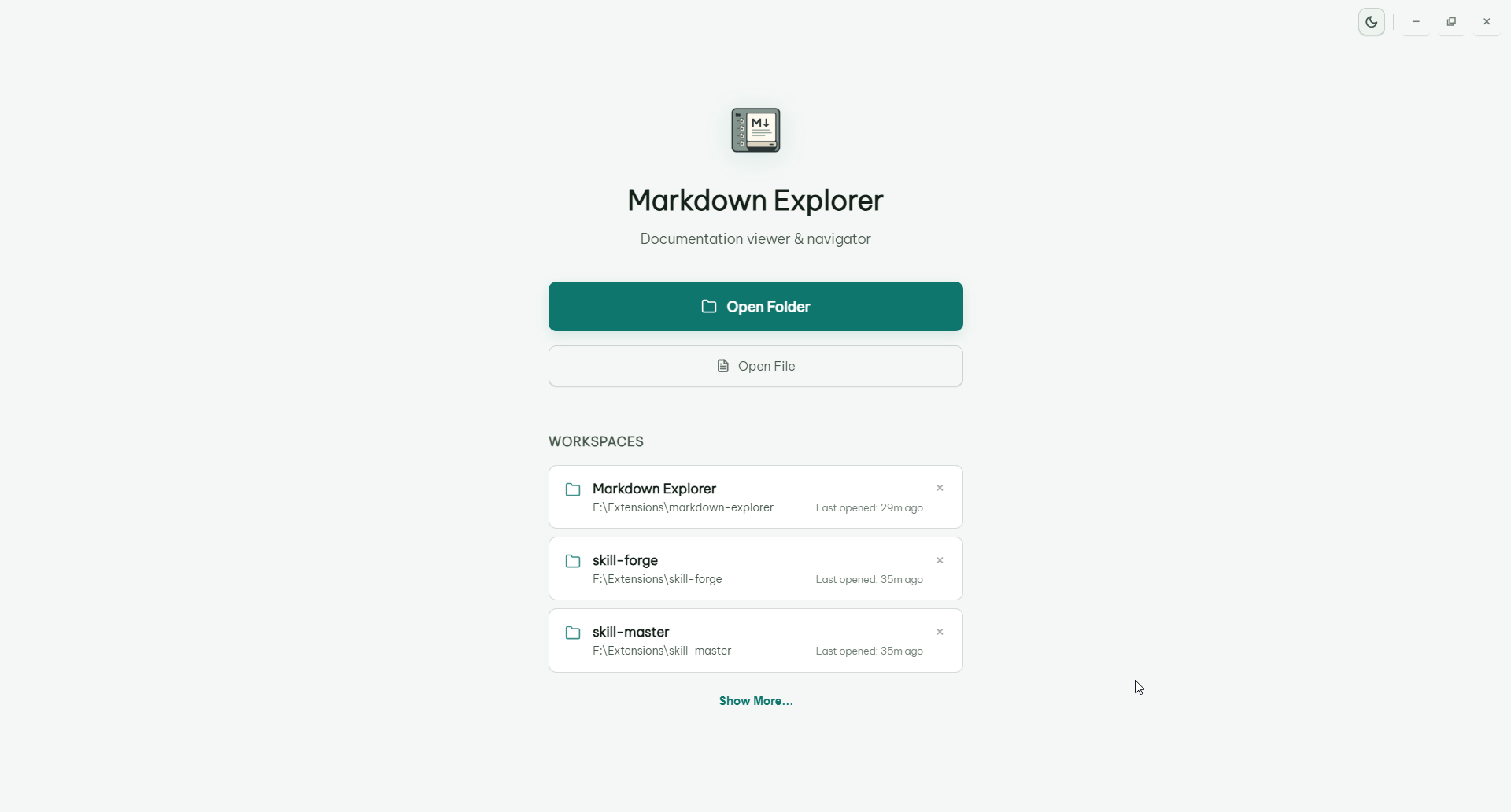
Workspace history
Manage saved folders and return to recent workspace locations. Run Markdown Explorer on Windows, macOS, and Linux.
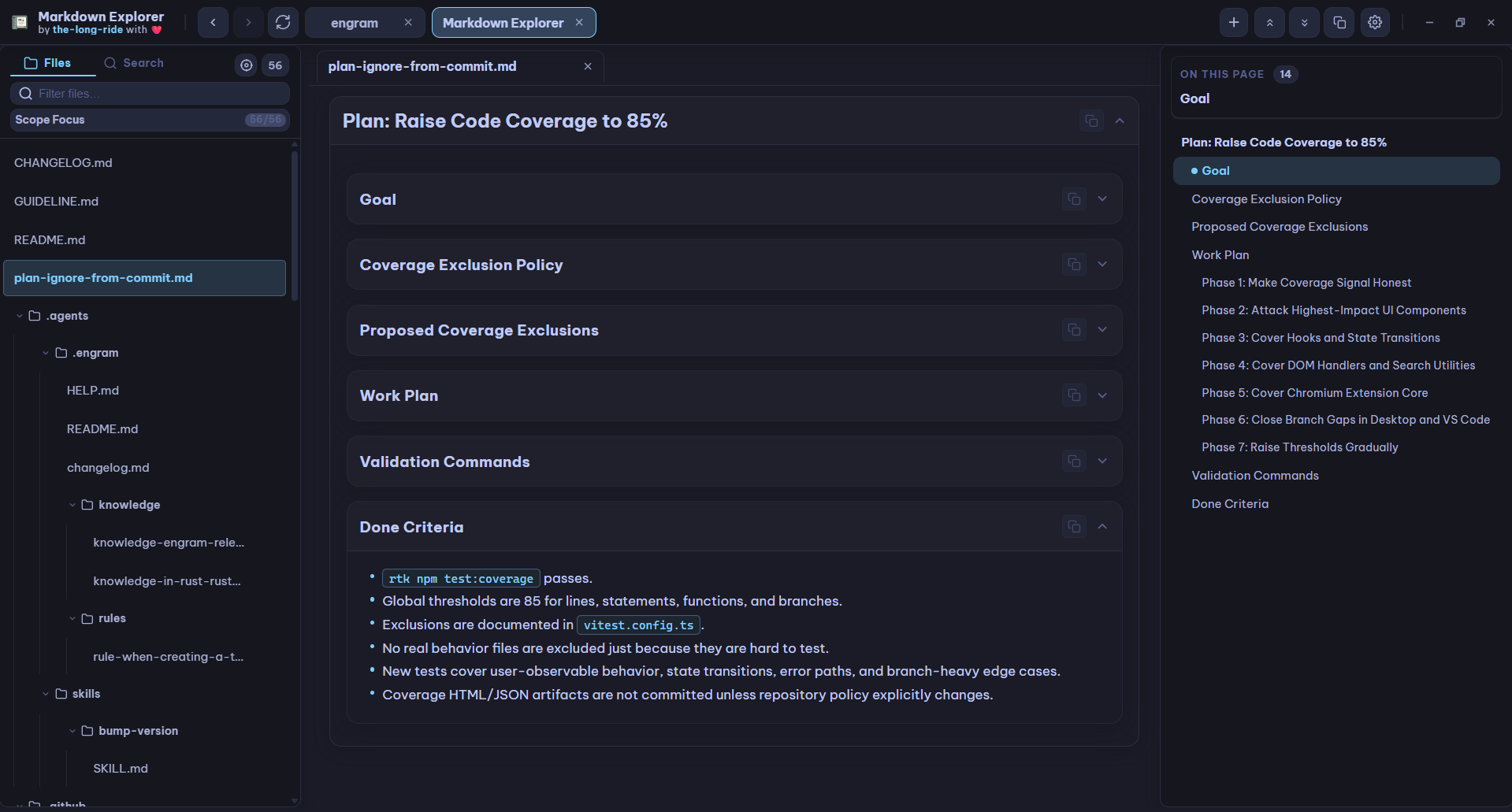
Workspace viewer
Markdown Explorer keeps files local while making big Markdown and document workspaces easier to scan, search, understand, and present. Support multiple languages.
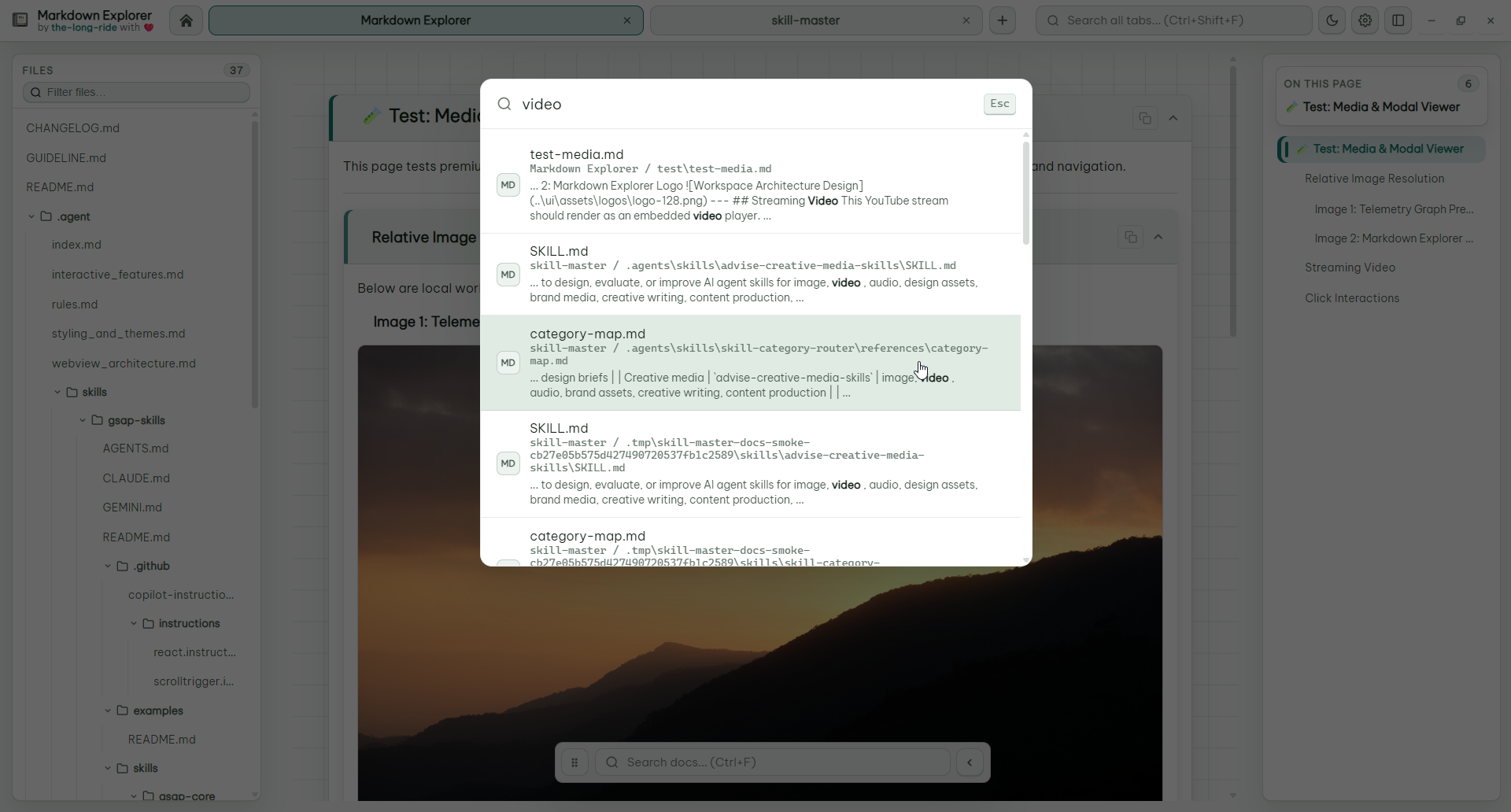
Search
Search current file, current workspace, or all desktop tabs. Results show focused excerpts and jump to the exact clicked match.
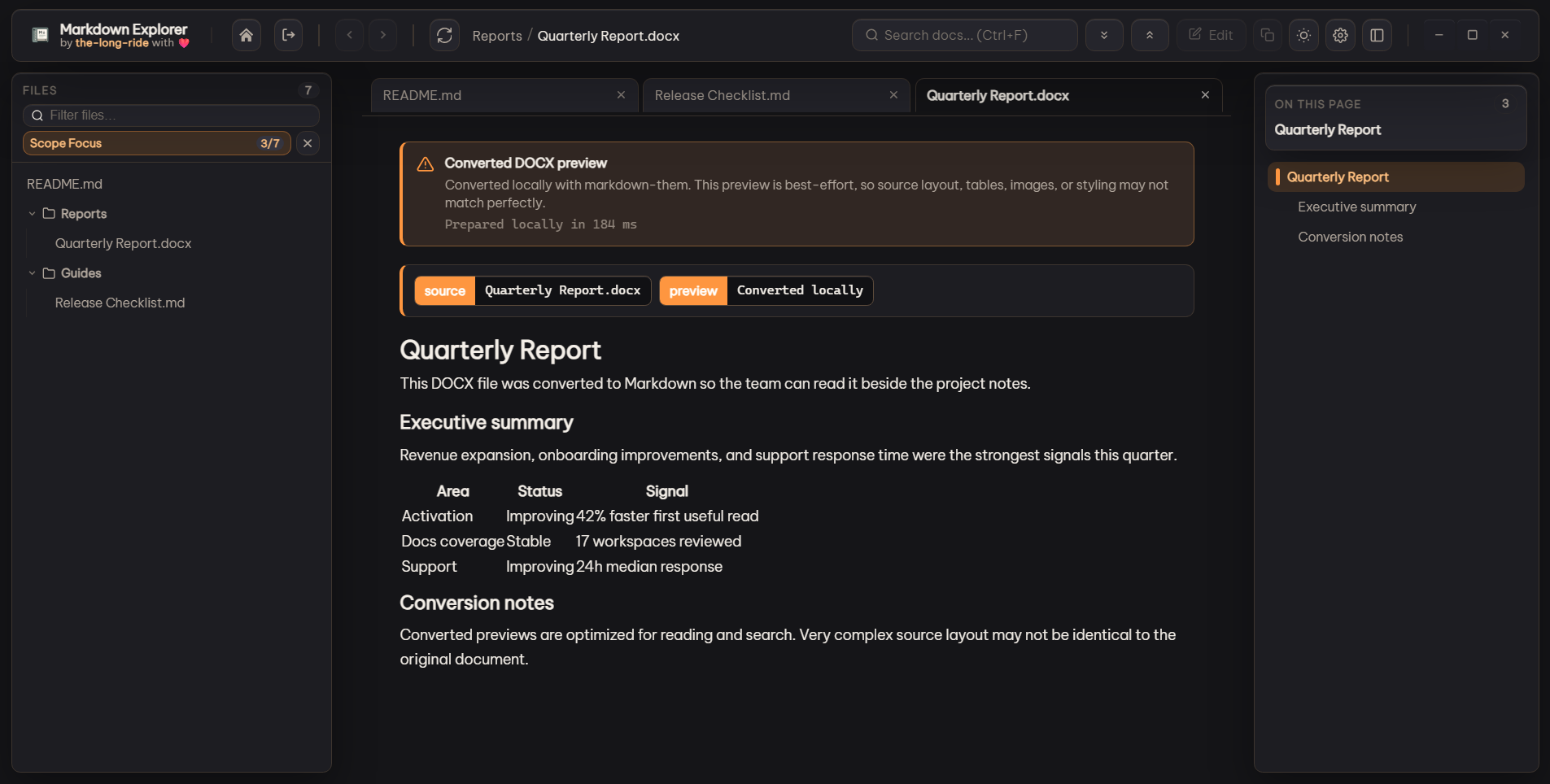
Document previews
Enable local conversion for DOCX, PDF, HTML, XLSX, PPTX, ODT, ODP, ODS, RTF, and TXT files. Markdown Explorer converts on open, caches repeat previews, and clearly marks best-effort rendering quality.

Keyboard navigation
Enter Sidebar Cursor mode, move with Up and Down, press Enter to expand folders or open files, and exit with Esc, Alt+S, or an outside click.
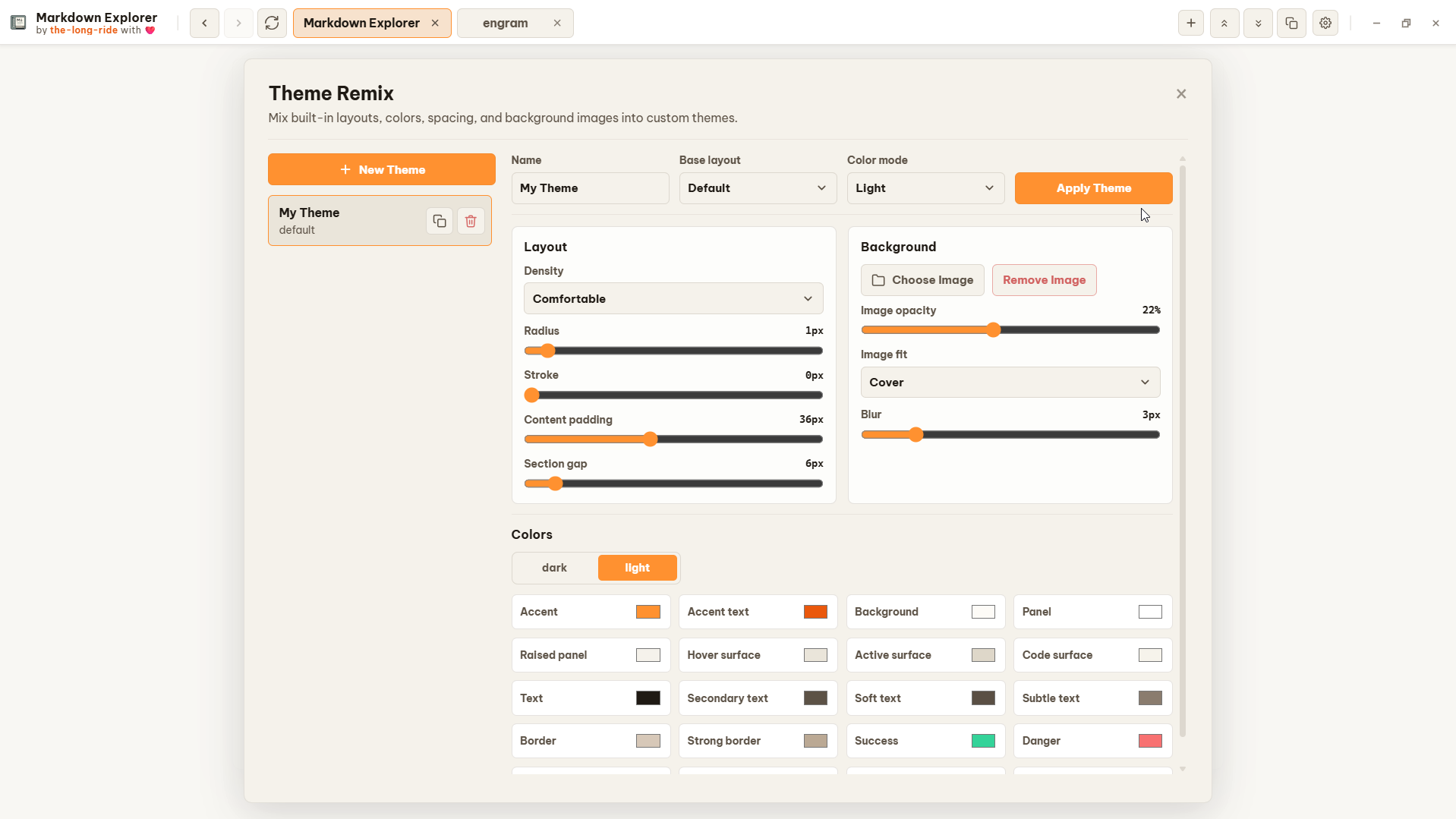
Theme Remix
Create, duplicate, edit, import, and export custom themes with colors, density, spacing, layout style, and optional background images.
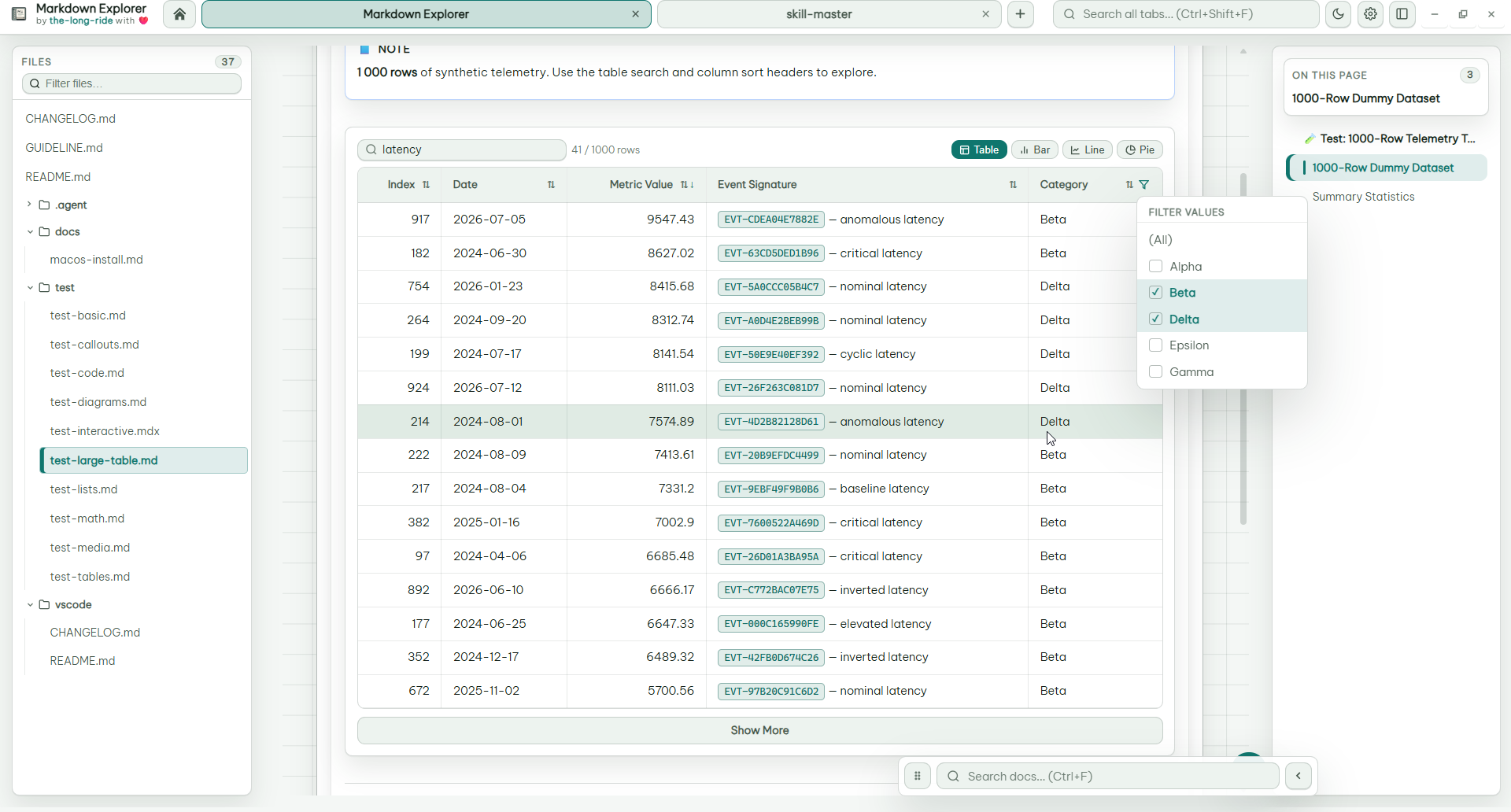
Tables
Sort and filter real rows, use multi-choice filters, and keep long tables collapsed while exploring filtered results.
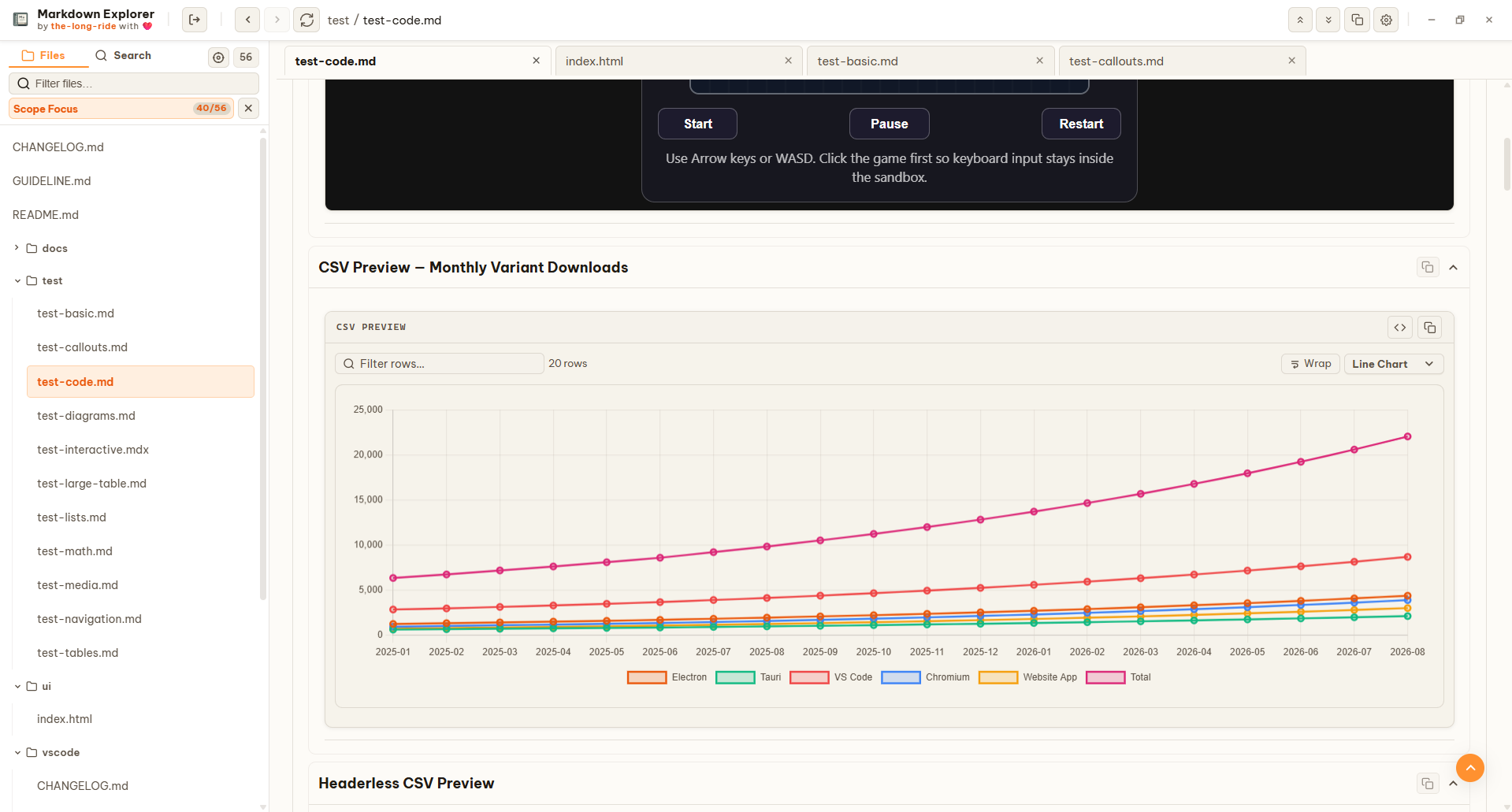
Charts
Switch suitable tables into Bar, Line, or Pie views when numeric columns are detected.
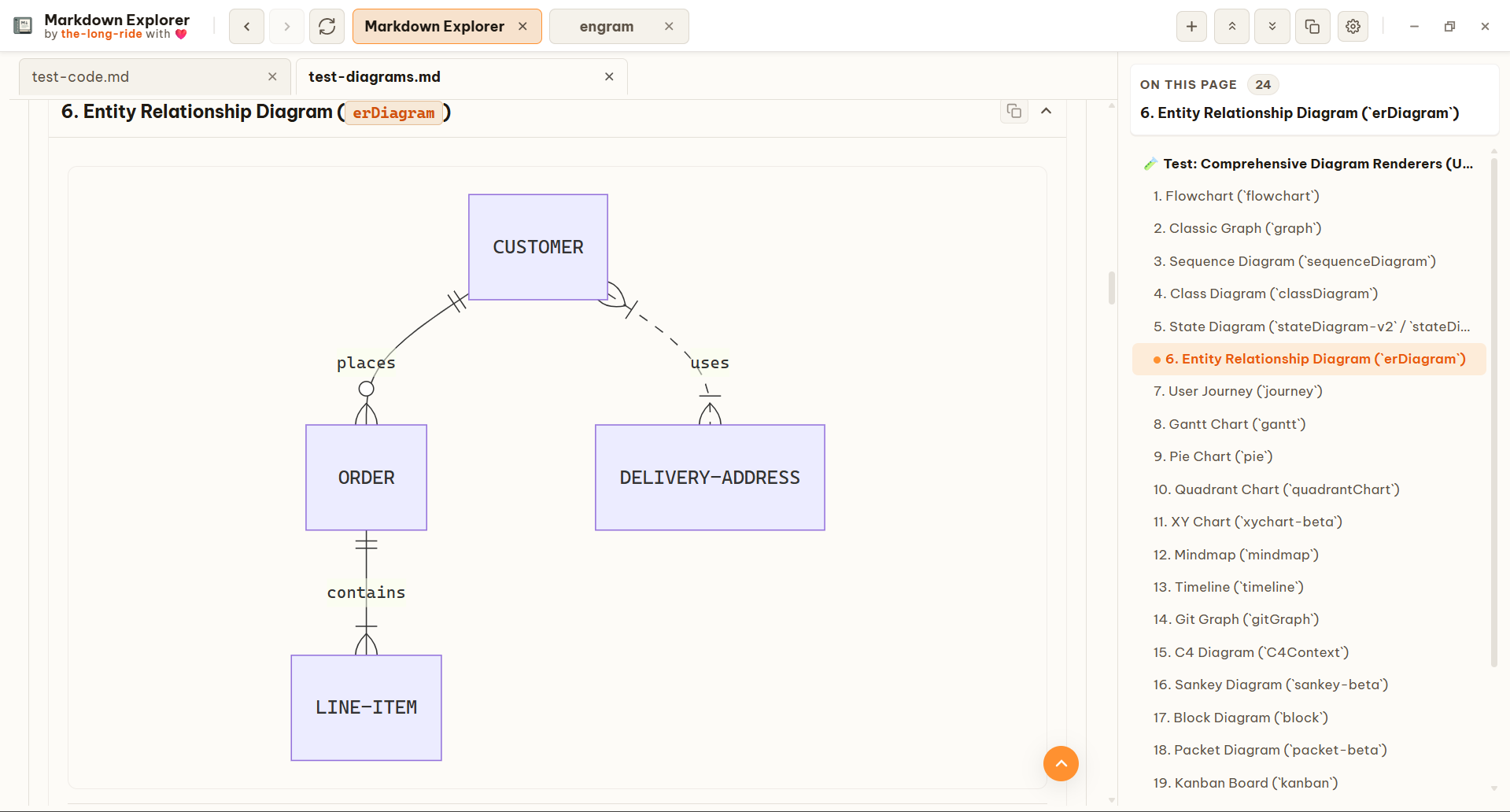
Diagrams
Flowcharts, timelines, git graphs, architecture diagrams, and more render inside your local Markdown reader.
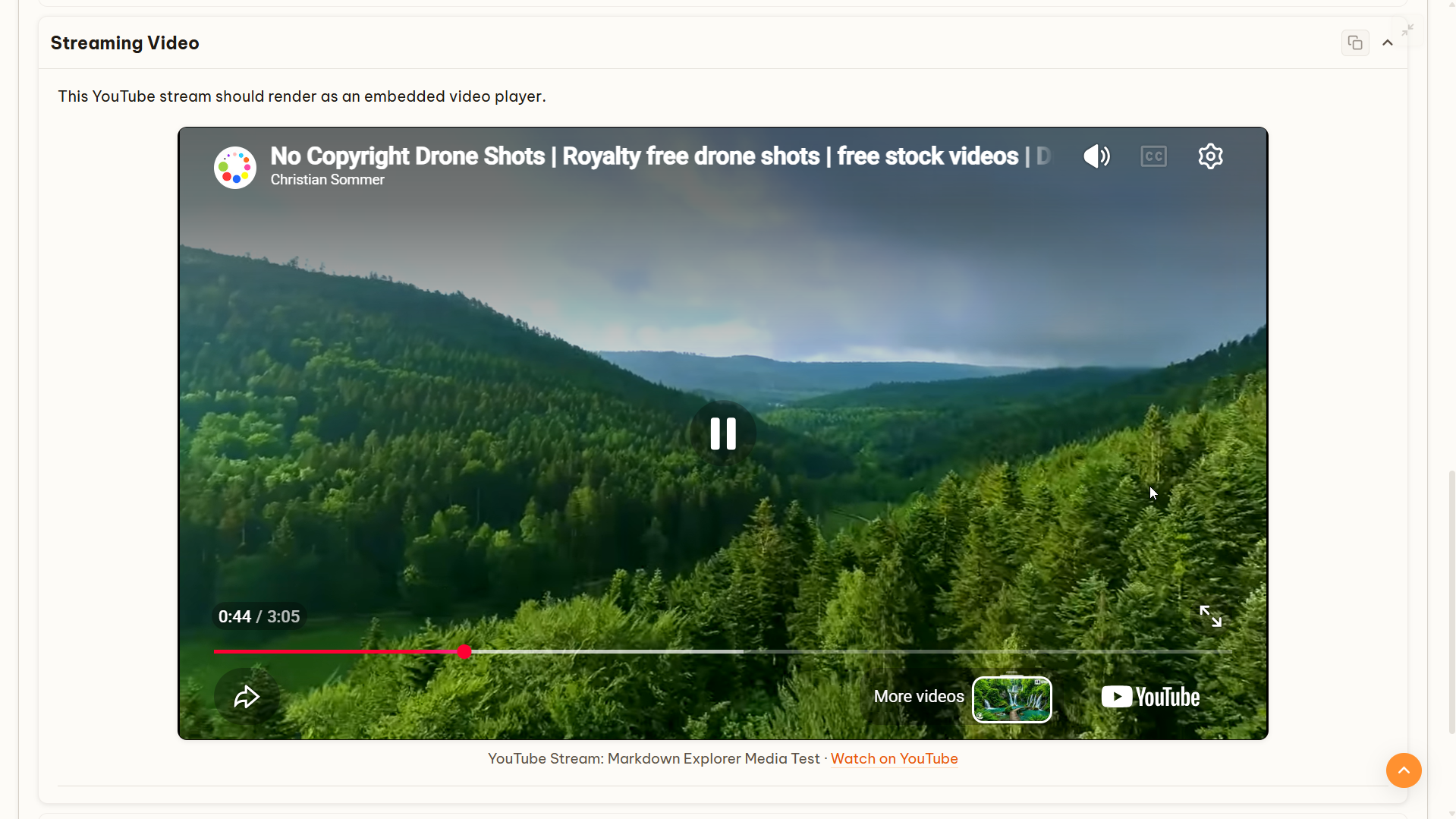
Media
Embed local video or supported streaming links without turning your documentation into a separate website.
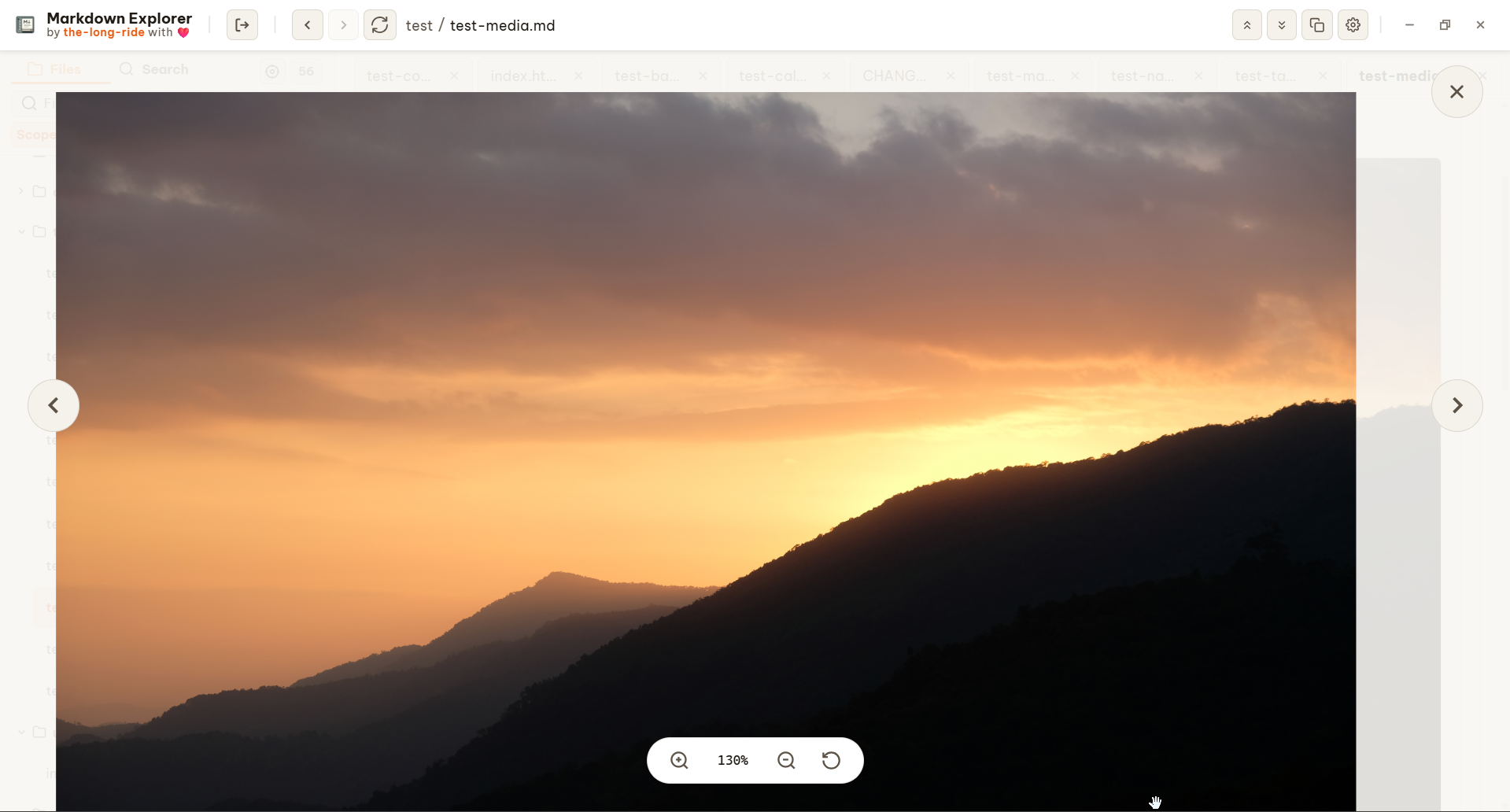
Media Viewer
Click any image, flowchart, or architecture diagram to open a premium fullscreen backdrop-blur modal. Focus on complex details, pan across large graphics, and click anywhere to close.
Fresh screenshots
Use Markdown Explorer for agent memory folders, engineering runbooks, release notes, diagrams, demos, and knowledge bases.
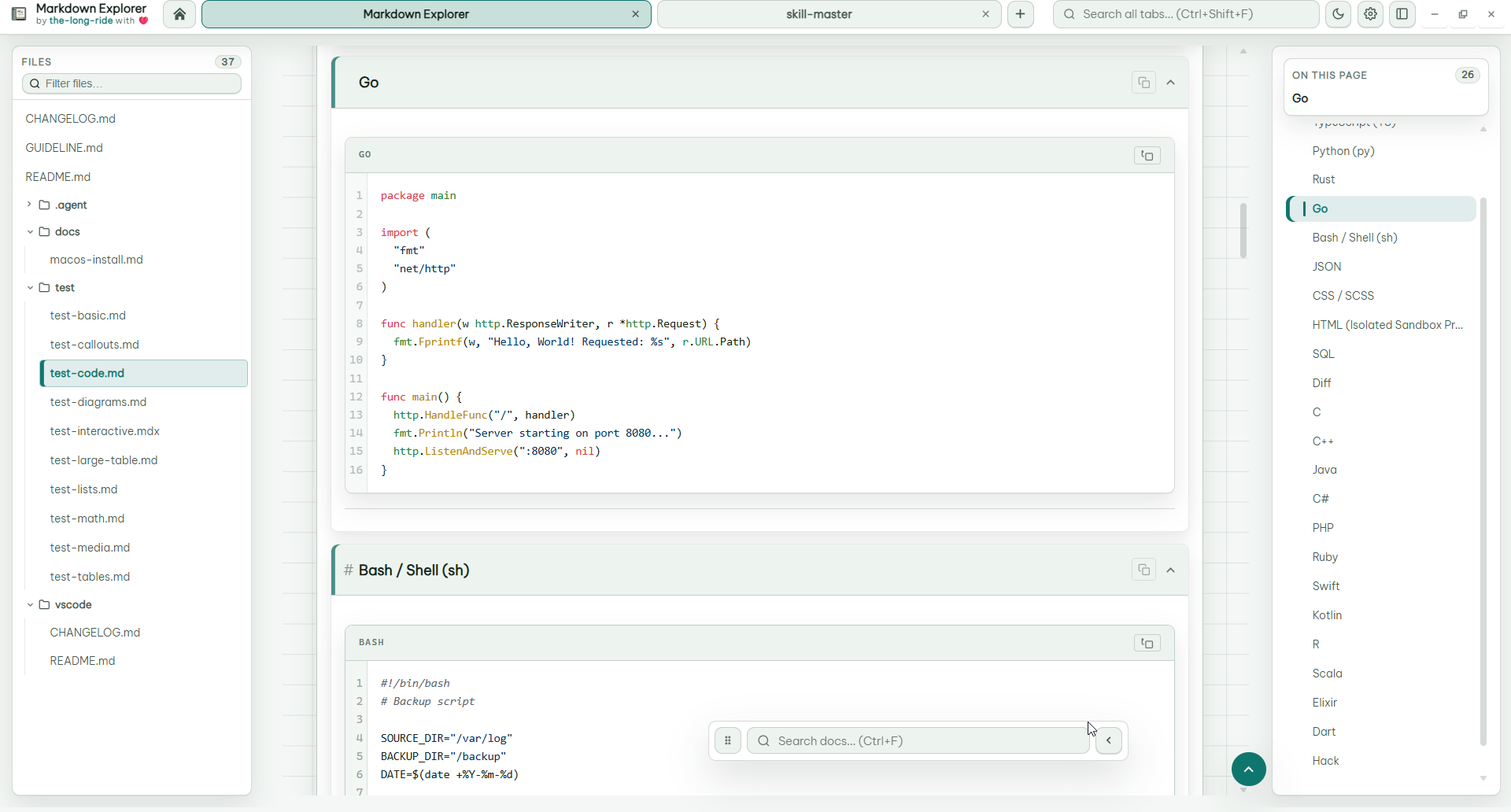
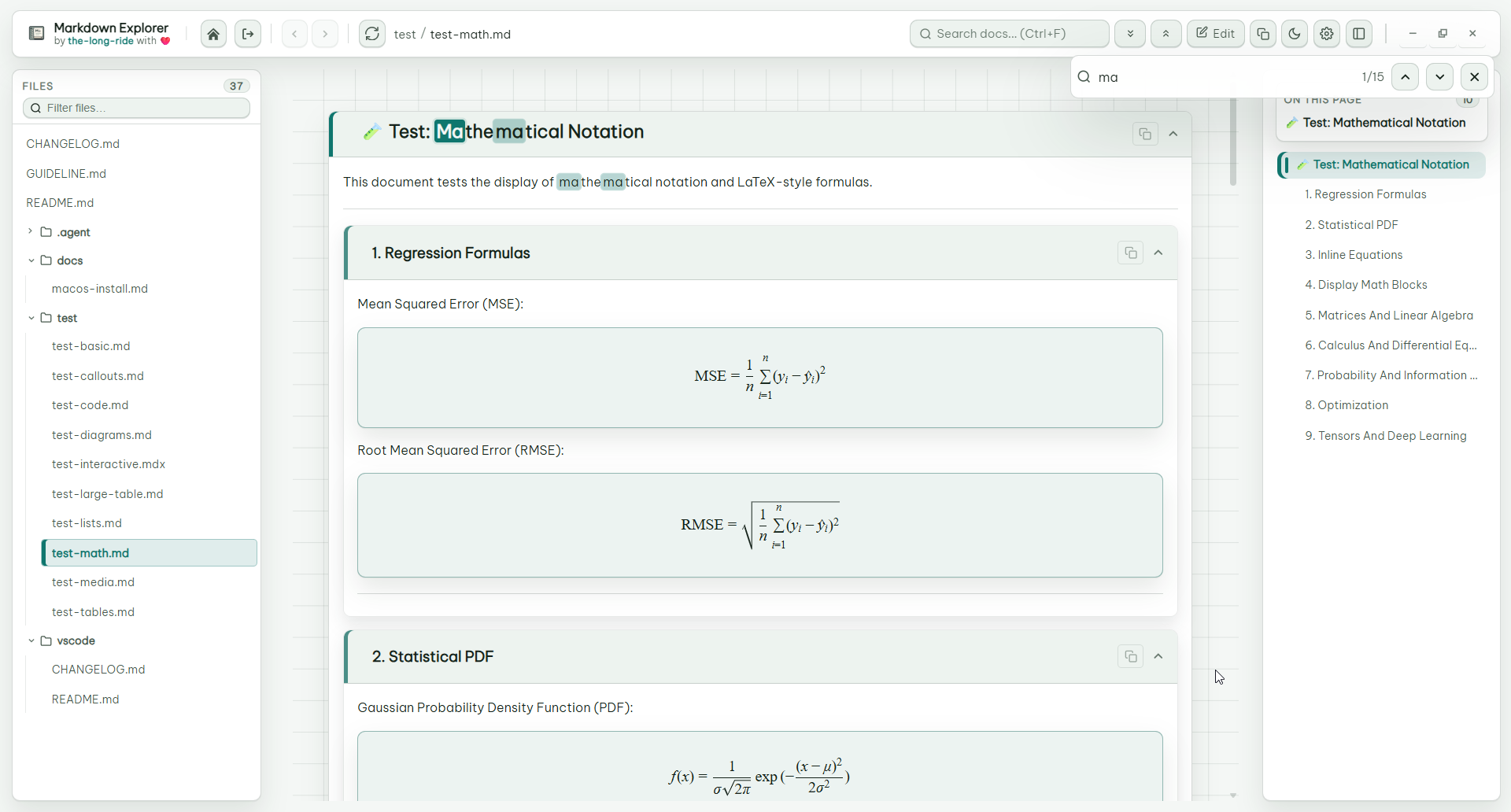
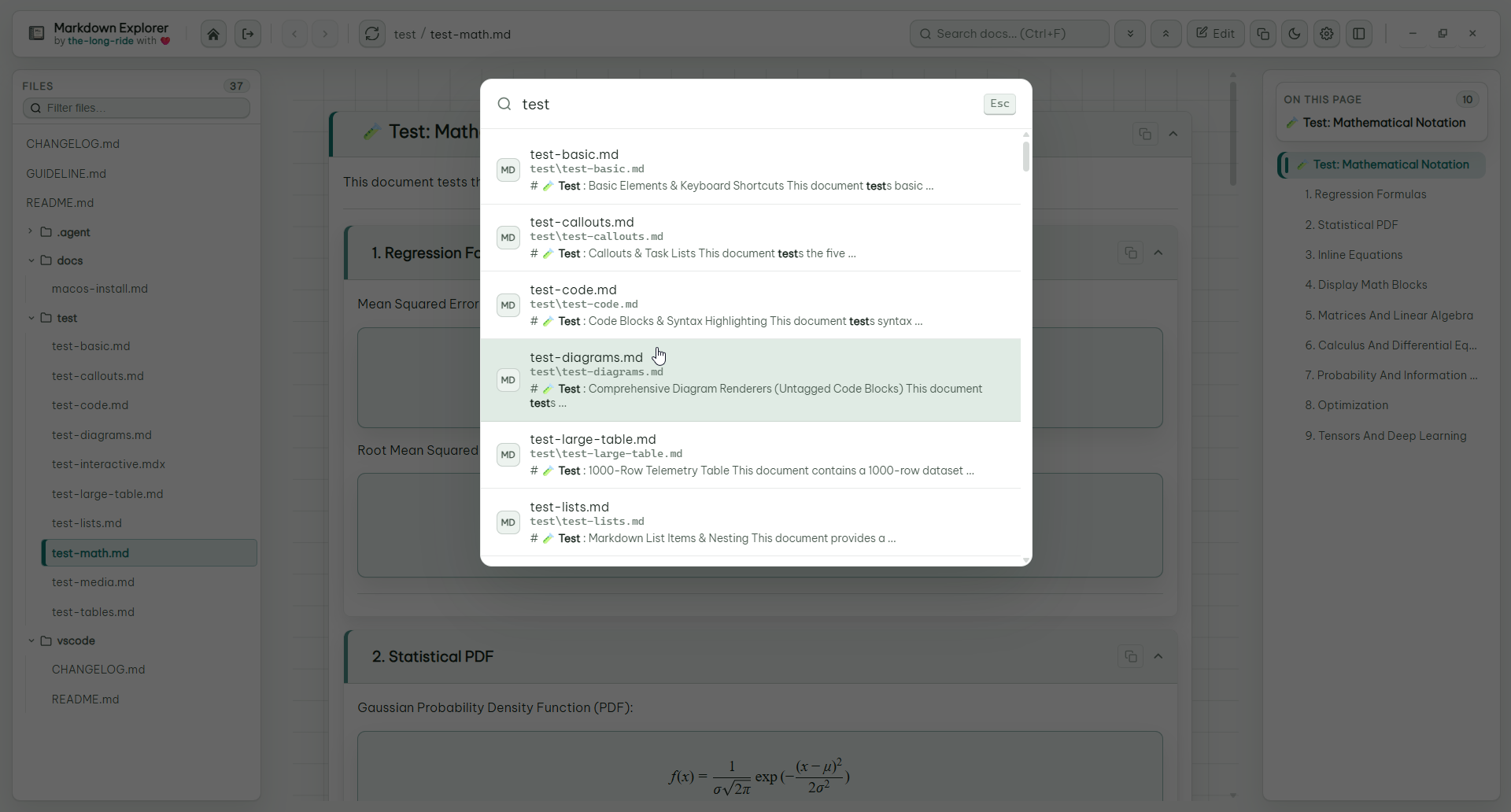
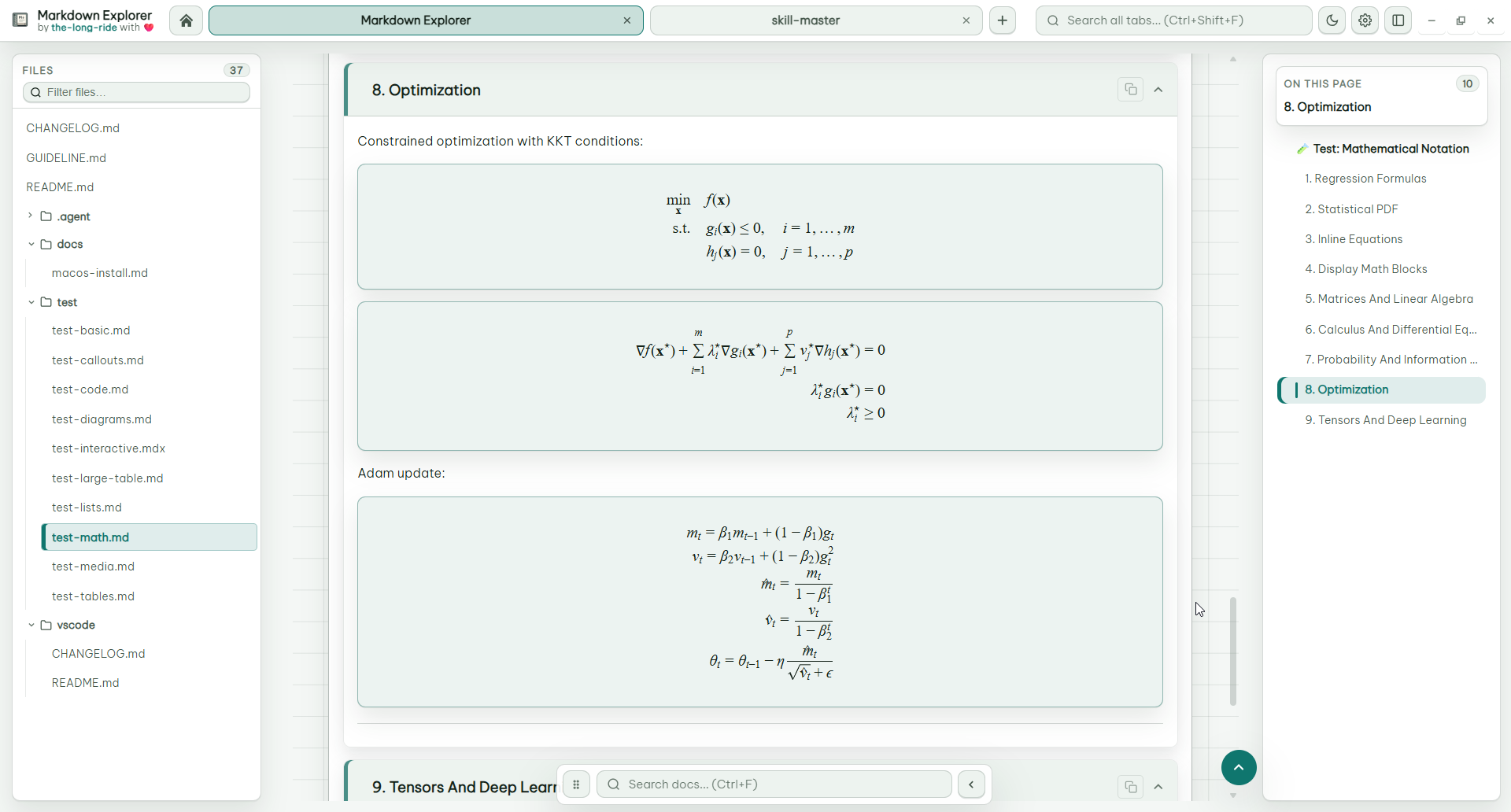
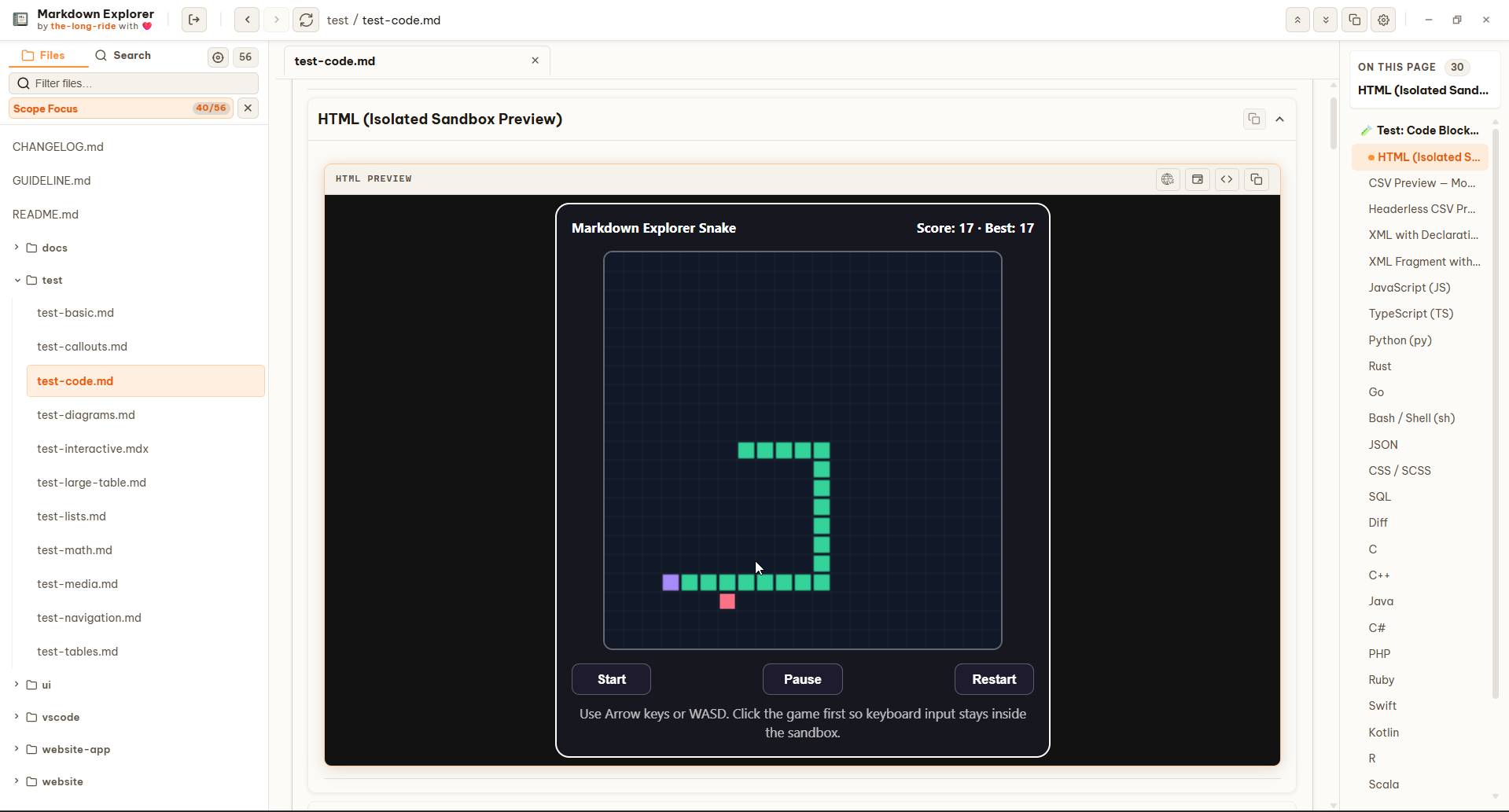
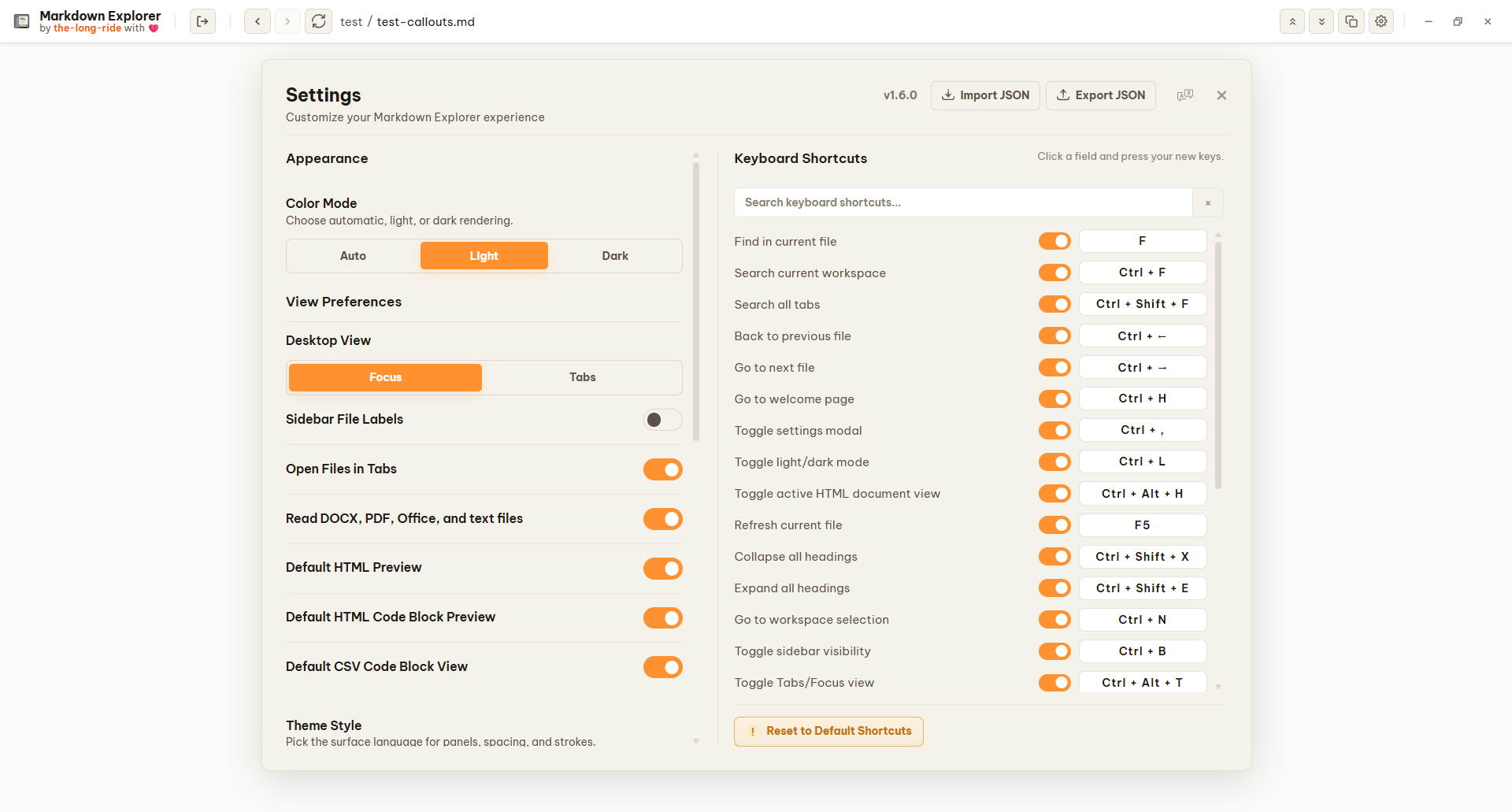
Markdown Explorer does not upload Markdown content. It scans and renders locally, making it useful for private notes, agent memory folders, engineering docs, runbooks, and project knowledge bases.
Your files never leave your machine. All parsing, indexing, and rendering happens 100% locally — no accounts required.
No analytics, no crash reporters, no usage data collection. Markdown Explorer respects your workspace as your own.
Point at agent memory folders, engineering runbooks, or knowledge bases. Works offline and air-gapped, no internet dependency.
Native filesystem watcher detects file changes instantly and re-renders without manual reload — no polling, no cloud sync.
Get Markdown Explorer - Current version - v1.7.1
The desktop app goes beyond the VS Code extension with Tabs view, multiple workspaces open at the same time, more keyboard shortcuts, and extra features. Lightweight variants are powered by Tauri for a minimal resource footprint and faster performance, while standard builds use Electron for battle-tested stability across all platforms.
Use the NSIS installer for Start Menu and desktop shortcuts, or the portable `.exe` to run directly without installation.
Use `.AppImage` for portable launch, or `.deb` on Debian and Ubuntu-based systems.
Download a `.dmg` for your chip. Use `arm64` for Apple Silicon and `x64` for Intel Macs.
Best choice for VS Code users. Launch the docs viewer directly inside your editor.
Use this for VSCodium and VS Code-compatible editors that rely on Open VSX.
Run Markdown Explorer directly in your browser. Install unpacked extension from the latest release.
Every GitHub Release includes file descriptions so you can pick the right package for your OS.
View latest releaseChecking latest release assets...
Global & Accessible
Markdown Explorer is built for global teams. The entire reader interface is fully localized, allowing you to seamlessly navigate, search, and manage your documentation workspaces in your preferred language.
FAQ
Yes. The project is MIT licensed and the GitHub repository is public.
Yes. Rendering and searching happen locally. The website download buttons use GitHub only to find the latest release files and public download totals.
In addition to Markdown (.md), Markdown Explorer supports local previews of DOCX, PDF, XLSX, PPTX, HTML, ODT, ODP, ODS, RTF, and TXT files directly inside your workspace with local caching.
Lightweight Tauri builds offer a minimal resource footprint and fast startup, while Electron builds provide maximum cross-platform stability and battle-tested OS compatibility.
No. Markdown Explorer is 100% private and offline-first with zero telemetry, no tracking scripts, and no remote file uploads.
Standard Markdown tables automatically gain row sorting and multi-select filters. When numeric columns are detected, you can switch the table into an interactive Bar, Line, or Pie chart with one click.
Windows users can choose the NSIS installer (`Setup *.exe`) for Start Menu integration or the portable `.exe` to run directly. Linux users can choose `.AppImage` or `.deb`. macOS users should choose `.dmg`, with `arm64` for Apple Silicon and `x64` for Intel.